
How do you share your location from an iPhone with an Android user?
Last updated:
Locations shared through Apple's Find My can only be viewed on Apple devices, and Android has no Find My app. To let Android friends see your live location from an iPhone, use Google Maps location sharing, WhatsApp live location, or a Laiki room link posted in your group chat. LINE's Location message sends one fixed place and does not follow you as you move.
Why Find My doesn't work
When you turn on Share My Location in Find My, people view it in the Find My, Messages, or Maps apps on an Apple device. Android has none of these apps, so a mixed iPhone and Android group needs a tool both sides can install.
Option 1: Google Maps location sharing
- Open Google Maps on the iPhone and make sure you are signed in to your Google Account.
- Tap your profile picture, then Location sharing, then the add-people icon.
- Choose how long to share, pick the person, and tap Share.
The person you share with needs a Google Account. If they don't have one, send a location sharing link instead; link sharing lasts up to 24 hours. Best for one-to-one or ongoing family sharing.
Option 2: WhatsApp live location
In an individual or group chat, tap Attach (the paper clip), then Location, then Share live location, choose a duration, and send. Everyone needs WhatsApp, so it works best when your group already chats there.
Option 3: LINE location message
In a LINE chat, tap "+", then Location, pick a place, and send. This is one fixed place that won't follow you, so it's good for telling everyone where to meet, not for checking who is still on the way.
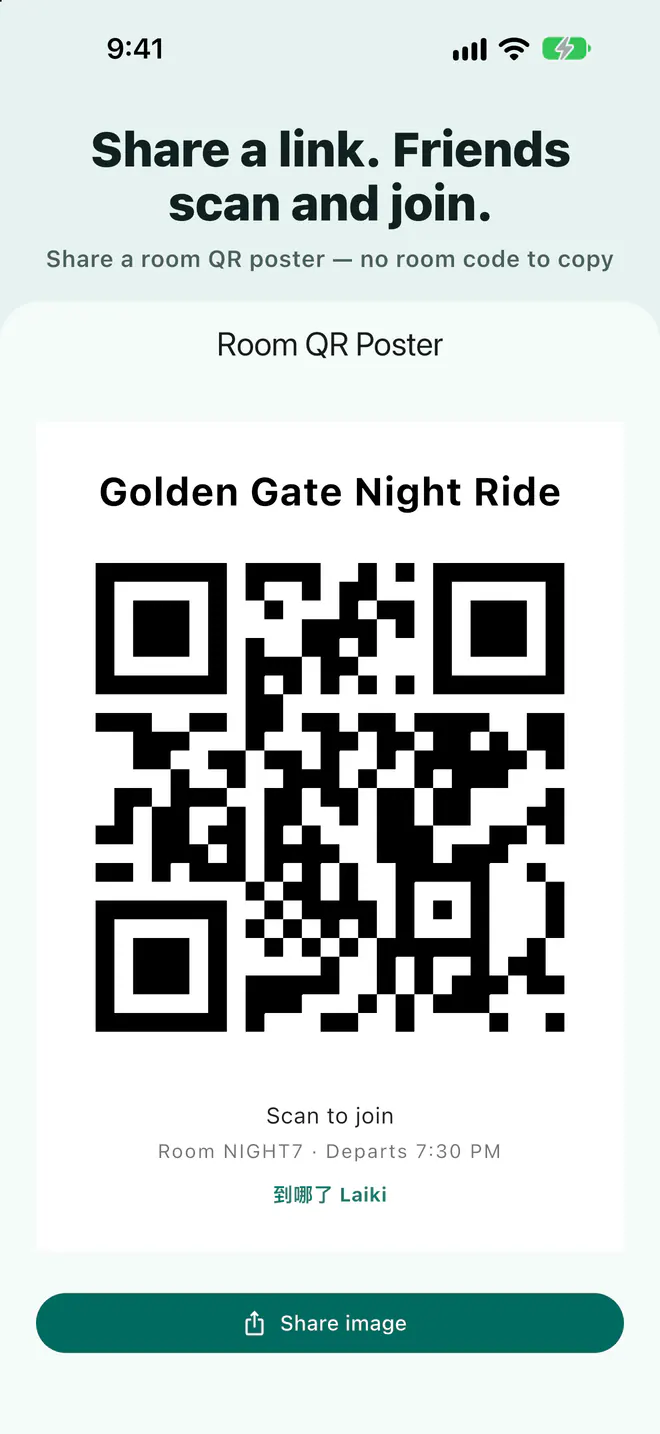
Option 4: Open a Laiki room
- Open a room in Laiki and choose how long it stays open and how precise locations are.
- Post the room link or join code in your group chat.
- Friends on iPhone and Android join with the app and appear on the same map.
People without the app can still view the room map in a browser. The room also holds meeting points, planned routes, and hold-to-talk voice. Rooms close automatically; on the free plan they last up to 3 days with up to 8 people.
The four options compared
| Option | Viewer needs | Live updates | Whole group on one map | Best for |
|---|---|---|---|---|
| Google Maps | A Google Account, or a link (up to 24 hours) | Yes | Everyone must share with each other | One-to-one, family |
| Yes | Each member turns it on in the group | Groups already on WhatsApp | ||
| LINE location | LINE | No, one fixed place | No | Sending the meeting place |
| Laiki room | The Laiki app; a browser to view only | Yes | Yes, everyone joins one room | Group trips, meetups, rides |
Which one to use
- Ongoing sharing within a family: Google Maps is simplest.
- Your friends already use WhatsApp: turn on live location in the group.
- You only need to say where to meet: a LINE location message is enough.
- A group trip with mixed iPhone and Android, meeting points, and a route: open a Laiki room just for this trip.
FAQ
Can an Android phone see a location shared through Find My?
No. Locations shared through Find My can only be viewed in the Find My, Messages, or Maps apps on Apple devices.
Can I share with Google Maps if the other person has no Google Account?
Yes, with a location sharing link. According to Google Maps Help, link sharing lasts up to 24 hours.
How do I avoid being visible indefinitely?
Choose sharing with an end time. A Laiki room closes automatically, and you can turn on Ghost mode or leave the room at any time to stop sharing.
Sources
Related guides
Next trip, just open a room
The free plan already includes rooms, live location, meeting points, and planned routes.
Get Laiki