
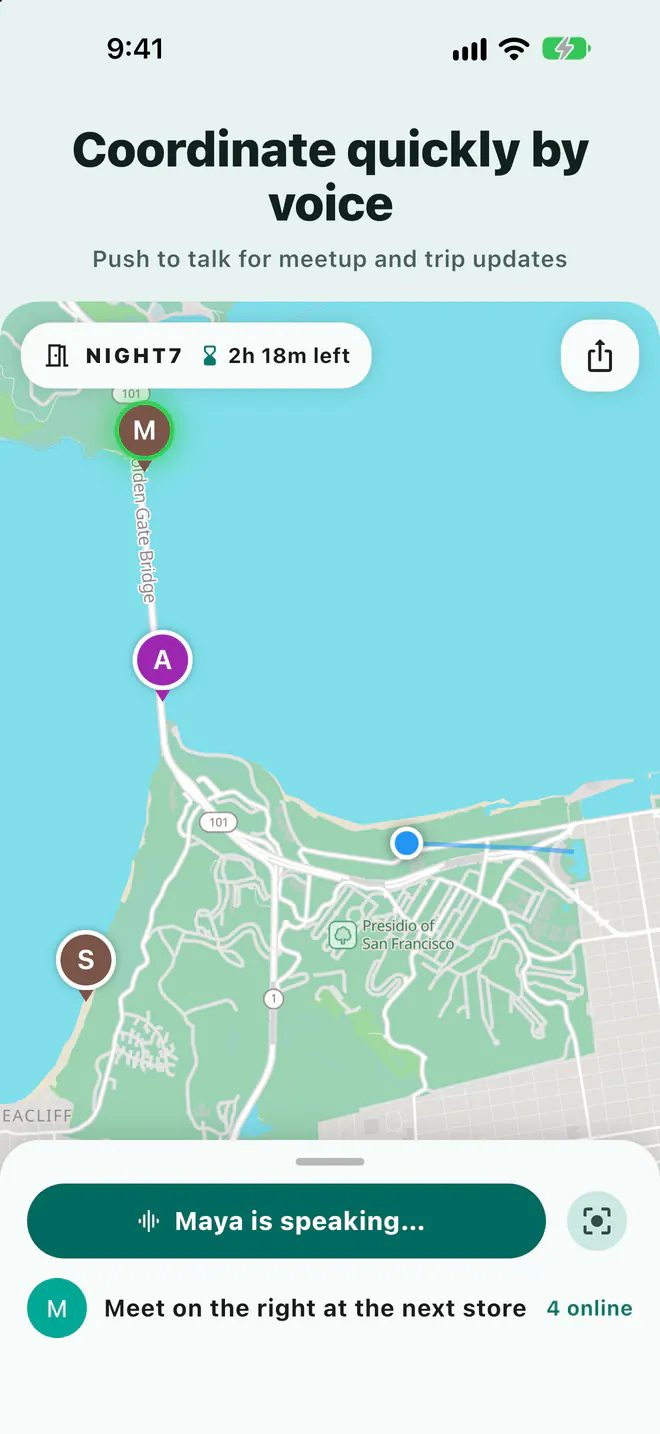
Hold to talk
Share meetup and trip updates by voice with everyone in the room.
One temporary room for the trip
Open a temporary room and share the link. Keep locations, meeting points, planned routes, and voice updates together on one map.
Free to download on iPhone and Android.
No friend requests and no new group chat to manage.
Choose how long it stays open and how precisely your location appears.
Post the link or scannable join code in any group chat.
Meet on one map. The room closes when its time is up.
Friends can view the room map on the website. When the organizer allows website responses, they can respond there too. They need the app to share their own location or use voice.
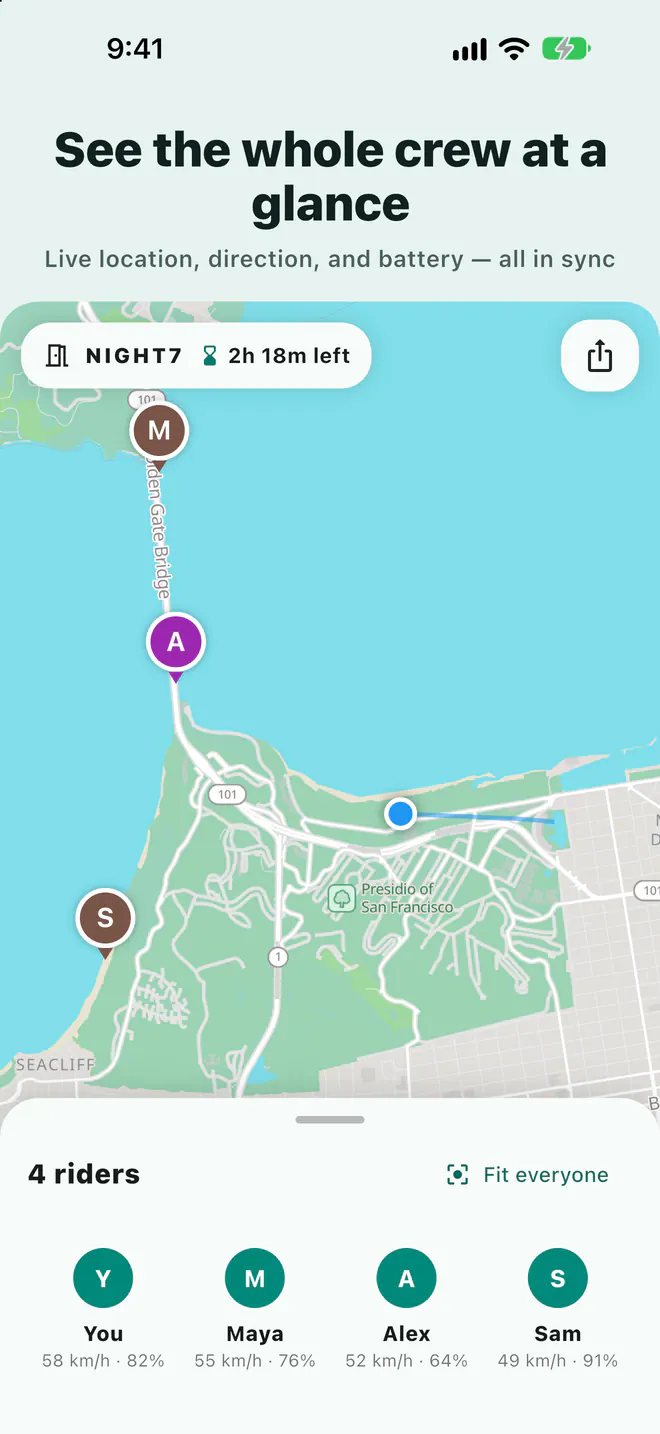
See each companion's location, direction, and battery level alongside meeting points, stops, and planned routes.
Share meetup and trip updates by voice with everyone in the room.
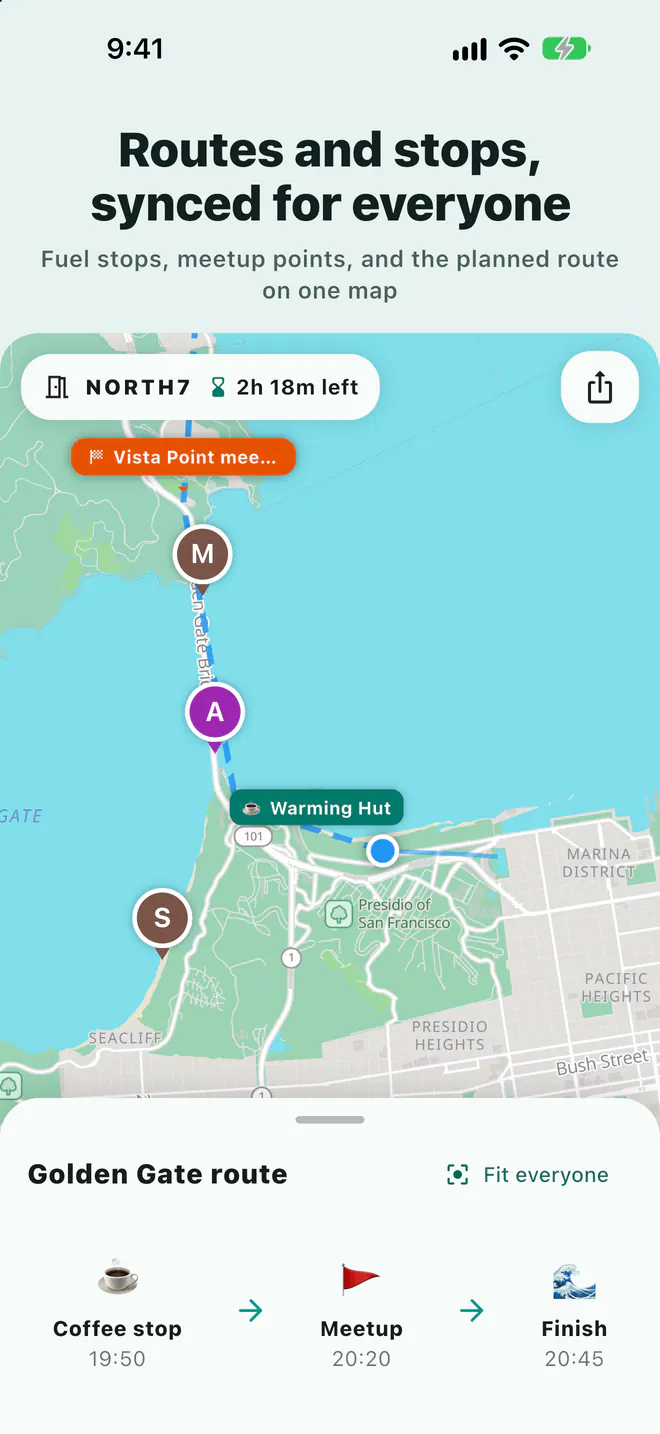
Draw what comes next so companions can see each other's plan.
Do not operate a device while driving or riding. Ask a passenger or stop somewhere safe first.
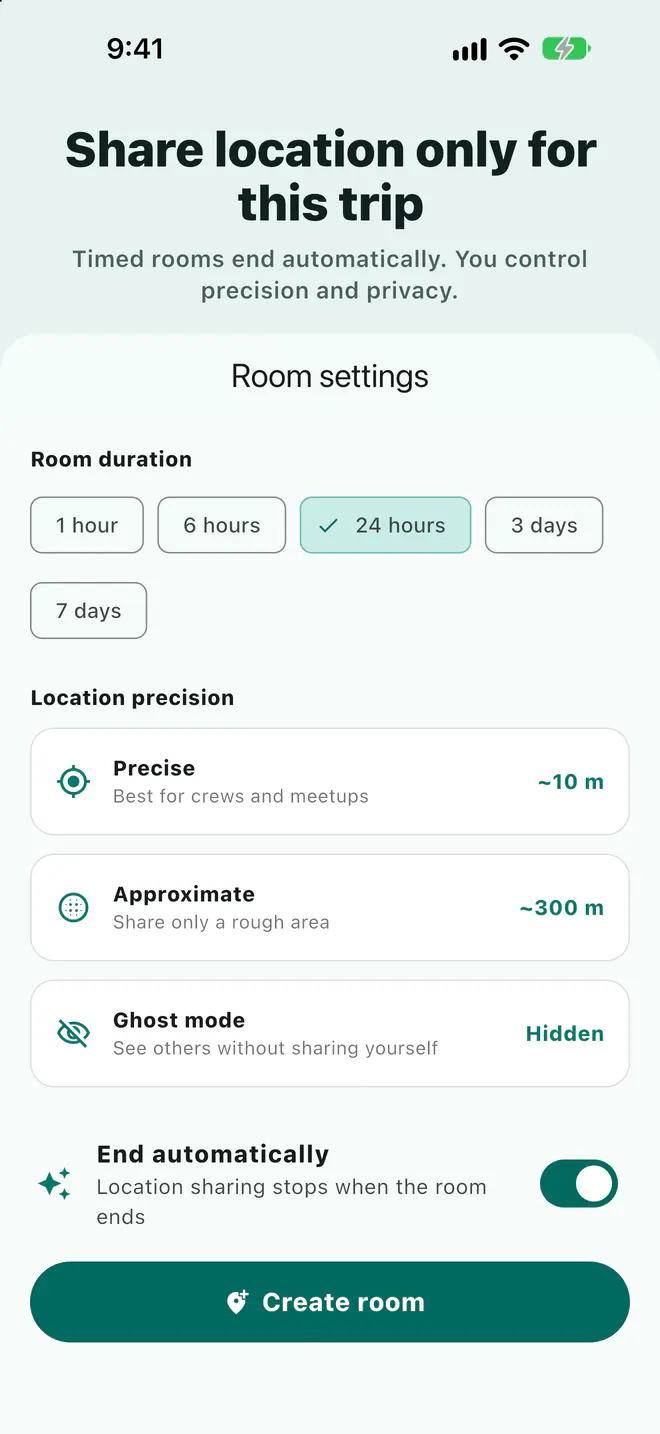
Choose precise, neighborhood, or city-level sharing. Use Ghost mode to disappear temporarily; sharing stops when you leave or the room ends.
Keep the time, meeting point, and attendance responses on one event page. When the organizer allows website responses, friends can view and reply without the app before the live room opens.
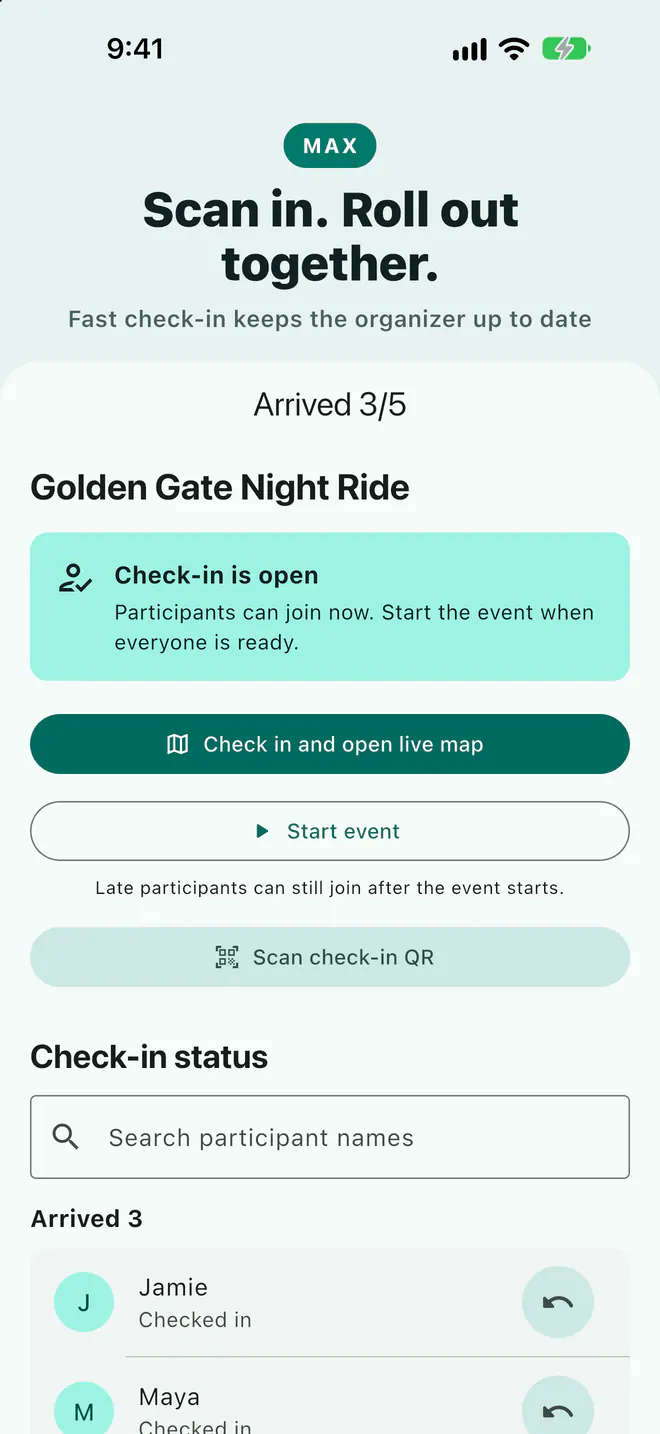
Max also includes on-site check-in and an organizer view for checking the attendance list.
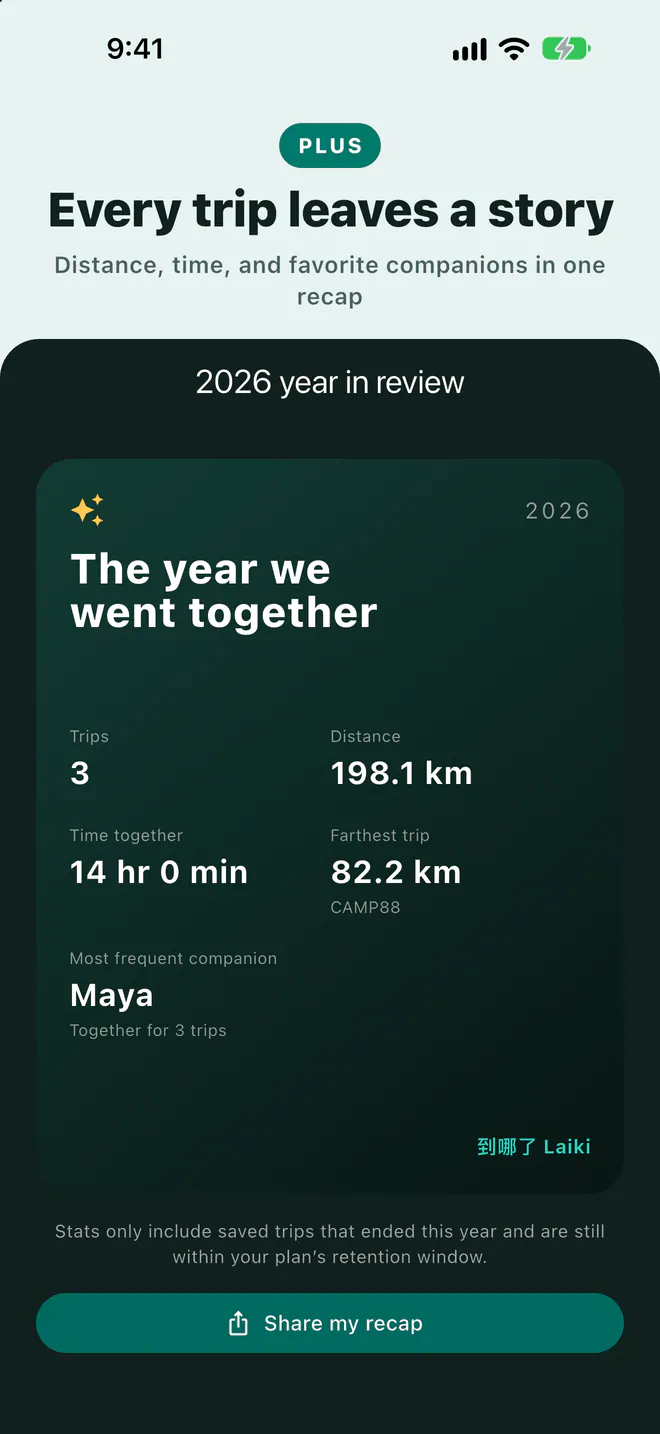
Choose to save your trip track, revisit the route and timing, then turn it into a shareable recap. Your companions' locations are not saved with it.
How long saved trips are kept depends on the plan.
Free includes rooms, live location, voice updates, meeting points, landmarks, and planned routes. Upgrade when you need room for more people, longer room durations, or saved trip history.
The table below shows what each plan currently includes. Check the App Store or Google Play purchase screen for your local price.
| Plan feature | Free | Plus | Pro | Max |
|---|---|---|---|---|
| People per room | 8 | 10 | 20 | 50 |
| Rooms open at once | 2 | 4 | 10 | 25 |
| Longest room duration | 3 days | 5 days | 7 days | 14 days |
| Landmarks per room | 10 | 25 | 50 | 100 |
| How long trip records are kept | — | 7 days | 30 days | 90 days |
| Places on each planned route | 30 | 50 | 100 | 200 |
| Fit routes to roads | — | Yes | Yes | Yes |
| Saved room codes | — | — | 3 | 10 |
| Scheduled rooms | — | — | 3 | 10 |


They can view the room map on the website. When the organizer allows website responses, they can respond there too. They need the app to share their own location or use voice.
Laiki shares your location only while you are in a room and sharing is on. It stops when you leave or the room expires. Use Ghost mode to hide from the map without leaving.
Free includes rooms, live location, voice, meeting points, landmarks, and planned routes. Paid plans allow more people, more rooms open at once, longer room durations, and saved trip history.
Because Laiki is for one trip at a time. When the room expires, location sharing for that trip stops too.
Invite one companion and put the meetup, locations, and route back on the same map.
Free to download on iPhone and Android.
Six characters, e.g. JFJCPK